

How to Get a Virtual Phone Number For Gmail Verification?

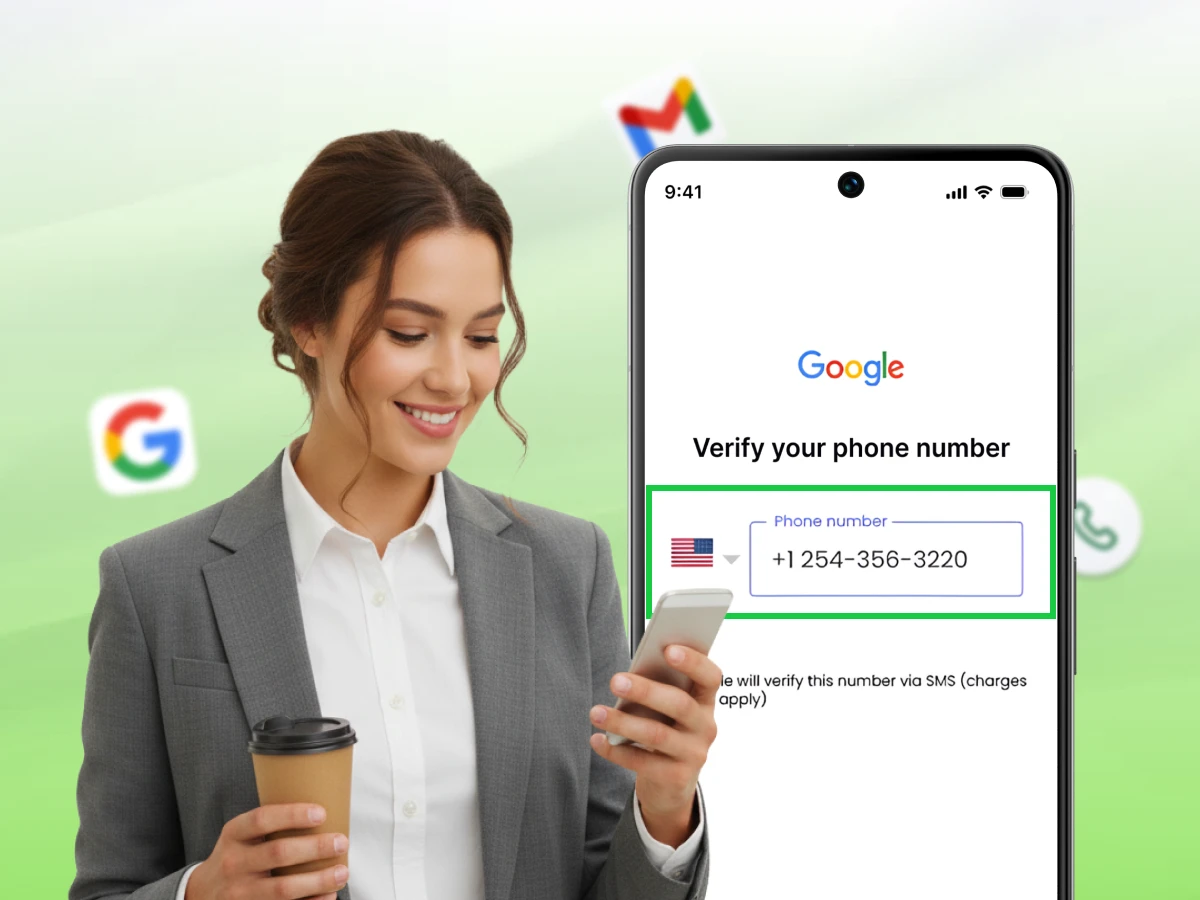
Quick Overview:
Getting a virtual phone number for Gmail verification is a fast, secure way to create accounts without exposing your personal contact details. Simply choose a reliable provider, select a number, and enter it during Gmail sign-up to receive your verification code instantly. This method protects your privacy, prevents spam, and works perfectly for users managing multiple Gmail accounts.
Gmail registration takes a few minutes. However, the step of a phone number may be problematic for privacy among many users, particularly those operating many accounts.
This is why many people search for a virtual phone number for Gmail verification. It allows users to complete account registration without sharing a personal number. The number receives the verification message needed during sign‑up.
A virtual number works through online platforms. You can access messages from your browser or phone. This makes the process flexible for many users.
In this blog, you will learn the steps to get a virtual number and complete Gmail verification.
A virtual phone number is a phone number that works through the internet instead of a physical SIM card. It is not tied to one device or one location. The number connects to a cloud system that routes calls or messages to an app or web dashboard. This setup allows people to use the number without a traditional phone line. Now it helps to see how people access and use these numbers.
You can use a virtual number from a phone app, computer, or web browser. Most services give a simple dashboard where messages and calls appear. You check incoming texts or calls in that space. This makes the number easy to manage from many devices. Because of this setup, many users prefer virtual numbers for online services.
Virtual numbers serve many use cases. People use them for work, travel, and online account sign-ups. They also help users avoid sharing their main phone number on many sites. Businesses also use them to manage calls across teams in different places. Since the number works online, it can be used from almost any location with internet access.
Google will request you to verify a phone number when you open a Gmail account. This step protects users and helps stop misuse of the platform. A quick phone verification step helps Google confirm that a real person is creating the Google account.
Here are the main reasons Google uses phone number verification during account creation.
Google manages millions of accounts across its services. Without checks, automated systems could create large numbers of fake accounts. These fake profiles often spread spam across social media or email services. Phone checks reduce this problem and protect real users.
During sign‑up, Google may send a code for account verification. You must receive an SMS and enter the code to continue. This process blocks many automated scripts from creating accounts. As a result, fewer spam messages reach users.
Phone verification also helps protect the account after it is created. A linked phone can confirm your identity during login attempts. This process supports Two-factor authentication for stronger protection. It gives extra protection for the password.
If someone tries to access your account through a new device, Google will demand verification codes. These codes are received through SMS or phone calls. Entering the code confirms that the real owner is signing in. This step helps keep personal data safe.
Users sometimes forget passwords or lose access to their accounts. In such cases, a linked phone number helps restore access. Google can send a recovery code to help you reset the password. This method helps you regain control of your account.
The recovery process often includes sending verification codes to your phone. Once you receive SMS messages, you enter the code on the recovery page. This confirms your identity and allows password reset. It prevents the account from being recovered without authorization.
Google also tracks unusual activity across its systems. A security check may be activated in case the system notices a suspicious login attempt. The check can request SMS confirmation to authenticate the user. This helps Google stop unauthorized access early.
For example, a login from a new country may require confirmation. Google sends a message and asks you to receive an SMS with a code. Entering that code proves that the account owner is present. This process protects users from account takeover attempts.
Google wants to ensure that each account belongs to a real user. Phone checks help confirm that the person creating the account is genuine. This step builds trust across the platform. It also improves the safety of the email system.
During sign‑up, you may be asked to enter a number for Gmail verification. Google then sends a message with verification codes. Once the code is entered, the system checks the new account. This is the final step in creating an account.
Verifying a Gmail account is very easy as long as you follow the correct process. All you require are a few tools and a good service capable of receiving SMS messages. This will take a few minutes when done in the right steps.
The process can be completed following these steps.
First of all, find a reliable service to get messages online using phone numbers. Many platforms allow users to receive SMS online through a web dashboard. These services store incoming SMS messages so users can check them from any device. Some platforms also support messages online through mobile apps.
When selecting a provider, look at the countries and features that it supports. Some offer numbers in the United Kingdom, the United States, and other places. Ensure that the service will support SMS verification of major platforms. A good provider will also provide clear pricing and secure access.
After choosing a provider, create your account on their website or mobile app. Most services ask for basic details such as your email address and a password. This step creates a secure profile for managing your number. Signing up normally takes a few minutes.
Some services offer free trials while others charge small fees. Check the available payment options before selecting a plan. Reliable platforms often show competitive prices for their numbers. After activating the account, you may proceed to the next step.
After signing in, choose a number from the available list. Many services allow users to pick numbers from different regions. This option helps people who need numbers for global services. A new number also reduces the chance of verification issues.
Some providers offer numbers designed for account verification. These numbers support platforms that send verification codes during sign‑up. You may also see options for a temporary phone or long‑term number. Pick a number that supports receiving SMS without restrictions.
Open your browser and visit the Google Gmail registration page. Enter the required details such as your name and new username. You must create a Google account password. Ensure the information is right and then proceed.
In this process, Google can also request recovery details. This often includes a backup email address for future access. Adding recovery information helps protect your account. Once done, move to the phone confirmation step.
Gmail will require a phone number during verification. Enter the number you selected from your provider dashboard. Make sure the country code and digits match the number shown in your account. This step allows Google to send a verification message.
The system will then prepare a code for phone verification. The message usually arrives within a few seconds. Some services also show alerts when new messages arrive. Keep the dashboard open so you can check the message quickly.
After submitting the number, Google will send a message with a code. The code appears in the inbox of your provider dashboard. Many platforms allow users to receive SMS online through web access. This makes it easy to check messages without a SIM card.
Look for the new message in the list of SMS messages. The message will contain one of the required verification codes. Some services also show the message in real time. Once you see the code, prepare to enter it on the Gmail page.
Return to the Gmail sign‑up page after you receive an SMS with the code. Type the code into the confirmation box. This step confirms the number and finishes the Gmail verification process. Google will then complete the account setup.
Once you are verified, your new Google account is activated. You can now send emails and work on the messages in your inbox. Most users also link their accounts with social media or other services.
Using a free number can make the Gmail verification process easier for many users. Many users prefer this option when they want a second number for online accounts. It works well for people who manage many accounts across different platforms.
Here are the main benefits of using a free number for Gmail verification.
Many people do not want to share their real phone numbers during online sign-ups. A separate number keeps your personal contact private during account verification. This method helps when creating accounts for work or online tools. It also protects your real number from spam messages. This approach gives users more control over their personal data.
A separate number also supports safer online activity. When you verify your virtual phone, the message goes to a separate dashboard. This process helps create secure communication between the service and the user. It also keeps your main number away from unknown platforms. Over time, this habit reduces the risk of unwanted messages.
Security is a major reason many users choose a second number. Using a virtual mobile keeps your real phone number away from public websites. This step protects sensitive details during account verification. It also limits the chance of spam calls or messages. Many users see fewer unwanted alerts after switching to a second number.
Many services support extra features that improve security. Some platforms include tools such as call forwarding or message alerts. These features help you monitor incoming calls and text activity from one dashboard. Some providers also follow standards like HIPAA for data protection. This helps users who want a higher level of privacy.
Some users manage more than one email account for work or projects. A separate number makes it easier to confirm each Google account during sign-up. It helps users keep work and personal activities separate. This setup also works well for online tools and services. Many people use this option for testing or project accounts.
A second number works like a 2nd line on the same device. It allows users to receive messages without using their main phone number. This helps people who manage accounts for business pages or social media. Many users install these services from the app store on their device. This setup keeps everything organized in one place.
Many services offer free numbers for new users. This option helps people complete Gmail verification without paying extra fees. It also removes the need to buy another SIM card. Many users find this helpful when creating temporary accounts. Free plans often include the option to receive SMS for verification.
Some providers also offer upgrades at low prices. These plans may include extra features or better support. Some companies also run an affiliate program for users who promote the service. This can help reduce costs for long-term use. For many users, the pricing remains simple and easy to manage.
A cloud number works from almost any place with internet access. This makes it useful for people who travel or work online. A digital nomad can manage accounts from different countries. The number stays active through an online dashboard. This makes account access easier across devices.
Many services also offer numbers from different regions. This allows users to choose numbers that match their needs. Some numbers can send and receive calls and texts through web access. This flexibility helps users manage their accounts without location limits. It also helps create a more professional image for online activities
Many apps and services provide numbers that work for Gmail verification. Each offers different features, pricing, and country options. Some focus on personal use while others serve business users.
Let’s look at some popular services people use for Gmail verification.
Dialaxy is a modern platform that provides online phone numbers for account verification and communication needs. It offers numbers from different regions and supports Gmail registration. The service focuses on reliability and simple setup for new users. Dialaxy works through a web dashboard and mobile tools, allowing you to receive messages without a SIM. The platform also helps users manage contact details from one place. Many users choose Dialaxy because the service keeps the process simple and accessible.
Google Voice is a service from Google that offers online phone numbers for calls and messages. It is compatible with Gmail users as it links with other Google services. Users can access messages from their browser or mobile device. The platform supports basic calling and message features for personal use. Many people in the United States use it as a second number. It is often used during account setup when a separate number is needed.
Dialpad is one of the cloud communication platforms that offer phone numbers and messaging software online. The service specializes in team and business communication solutions. Users can access messages and calls from their devices through an online dashboard. The platform includes tools that help manage conversations across devices. Dialpad works well for people who want communication tools in one place. It is commonly used by companies that manage remote teams.
Grasshopper is a virtual phone system designed for small businesses and entrepreneurs. It allows users to create a second number for work purposes. The platform offers simple call management and message tools. Many users choose it when they want a number separate from their personal line. The system works across mobile devices and computers. It is often used by small teams who want organized communication.
Quo, previously known as OpenPhone, is a modern communication platform that offers cloud‑based phone numbers. It focuses on flexible communication tools for teams and professionals. Users can check calls and messages from a single dashboard. The platform works on mobile devices and web browsers. It helps users manage conversations without switching between apps. Many startups use it to keep work communication organized.
Using online numbers can help during Gmail registration. However, some users face issues during the verification step. Many of these problems occur due to poor service choice or reused numbers.
Let’s look at the common problems and how you can avoid them.
Many public numbers are shared by many users, and Gmail may block them during verification.
Solution:
Some services fail to deliver the verification message Gmail sends.
Solution:
Gmail may reject numbers that were already used for many accounts.
Solution:
Some VoIP numbers may not work with Gmail verification systems.
Solution:
Some free platforms show incoming messages publicly, which can expose user data.
Solution:
Creating a Gmail account often requires a quick phone check during sign‑up. Many users prefer another option instead of sharing their real number. This is where a reliable virtual number service can help. It allows users to receive the verification code without exposing their main contact number. This method will protect privacy and ensure personal information is not linked with online registration.
When you take the right steps and select a trusted provider, the process is very simple. A good service helps you receive the code and complete Gmail verification without delays. It also prevents common issues like reused or blocked numbers. By understanding the steps and common pitfalls, you can create your Gmail account with less trouble. This makes the entire verification process easier and safer for new users.
👉 Get your virtual number in minutes — Sign up with Dialaxy today!
It can help protect your main contact details during online sign‑ups. Many users treat it like a 2nd phone for verification and online services. This keeps personal numbers away from unknown platforms. It also helps reduce unwanted messages.
Google allows limited account registrations with one number. If the number is used many times, Gmail may block it for new accounts. Using a different number helps when you need another account.
Gmail may reject numbers that were used many times for account creation. Public numbers often face this problem because many users share them. Some internet numbers are also blocked by Google systems. It is better to use a new and reliable service.
First, check the dashboard of your number service for new text messages. Refresh the page and wait a few seconds. If the code is not received, request a new one from Gmail. Some services allow receiving the code through a voice call if SMS delivery fails.
In some cases, Gmail allows sign‑up without a phone number. Yet, Google often requires confirmation to block spam accounts. Providing one of the available phone numbers to receive verification codes helps complete the registration without issues.
