

Call Center Recording Tools: Benefits, Limitations, and Use Cases

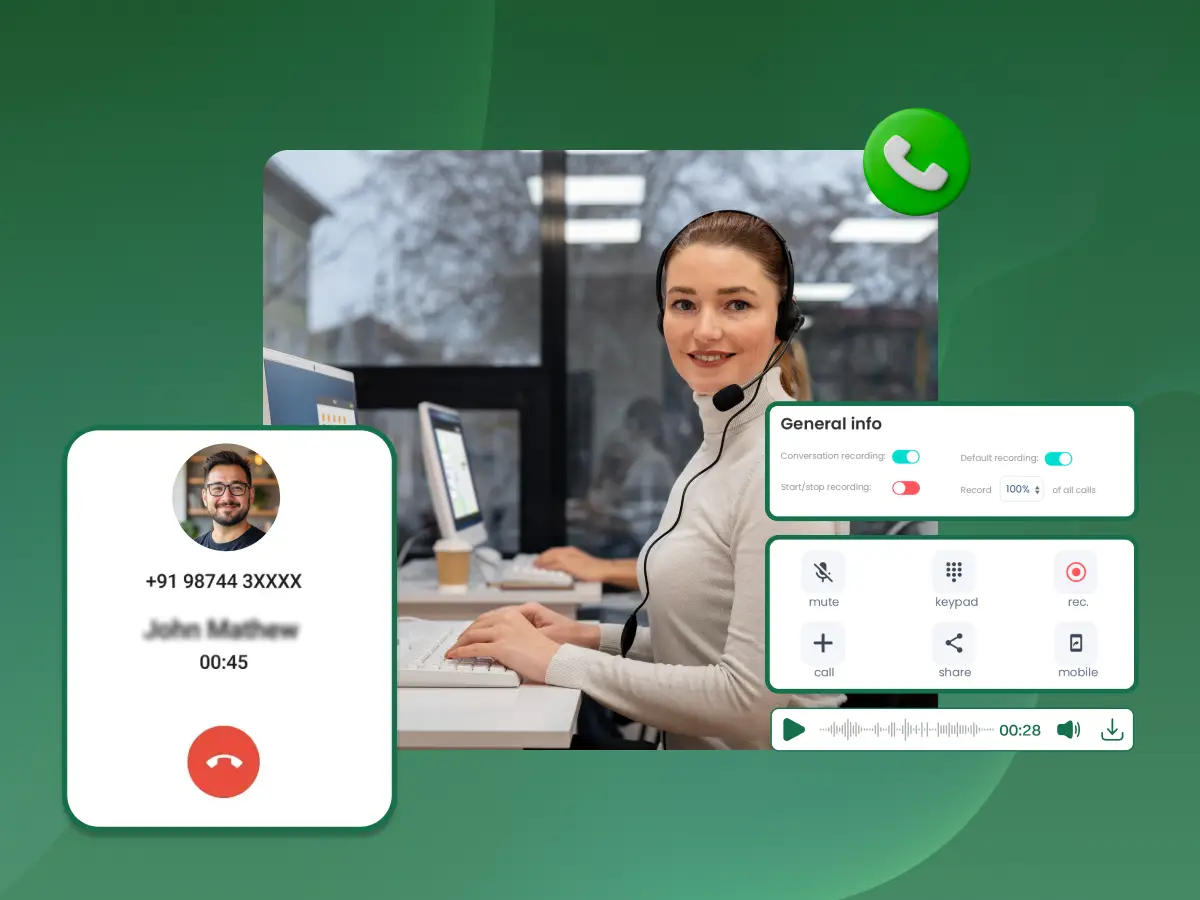
The modern contact center is no longer just a place where phones ring. It is a high-speed data factory. In 2026, the volume of customer communication has reached unprecedented levels. Managing this volume requires more than just human oversight. At the heart of this operation is the call center recording tool.
Historically, recording software was a passive background process. It was a digital filing cabinet for “just in case” scenarios. Today, that has changed. A call center recording tool is now a sophisticated engine of intelligence. It is the primary way that call center operations bridge the gap between human intuition and data-driven strategy.
Whether you are leveraging an AI agent to handle routine queries or using speech analytics to decode customer frustration, your call recording software is the foundation. In this guide, we will look at core features.
We will see how a call center recording tool functions within a unified communications stack. We will also learn how to meet compliance in a fragmented regulatory world. If you want to see this in action, you should contact sales to see on-demand demos.
A call center recording tool is a specialized software solution that captures, indexes, and stores audio and screen interactions between agents and customers to facilitate quality control, regulatory compliance, and operational analytics.
In a modern center recording environment, the call center recording tool does more than hit “record.” It acts as a gateway for real-time transcription. Every business call is converted into searchable transcripts instantly. By integrating with the phone system and business VoIP, the recording system captures metadata. This includes agent ID, customer intent, and call duration.
This makes the tool a vital part of the ecosystem. Whether for sales teams or support, this tool is the definitive record of customer conversations.
In 2026, call handling is complex. You do not just handle phone calls. You handle video, chat, and social media. The right call center recording tool is the most important piece of software in your stack.
Training Grounds for AI Agents: Every AI agent and voice agent needs high-quality data to learn. Your call center recordings are the “textbooks” for your generative AI models. Without the call data provided by a robust call center recording tool, your AI will lack the nuance required for an improved customer experience.
Navigating the Legal Minefield: With industry regulations tightening, the risk of non-compliance is catastrophic. From GDPR in Europe to CCPA in California, meeting compliance is a constant effort. A professional recording software suite automates the redaction of sensitive data during a live call. This ensures you stay on the right side of the law.
The Shift to Proactive Support: By using call center analytics, businesses can now predict churn before it happens. A call center recording tool equipped with sentiment analysis can flag a call where a customer sounds “at-risk.” This allows a supervisor to intervene and perform an efficient call rescue.
Remote Workforce Visibility: Remote work is now the standard for call center operations. Managers need visibility. Recording tools that include screen recording allow supervisors to see exactly how remote agents navigate the CRM. This is vital for improving agent performance.
To choose the right call center recording tool, you must understand the technical pillars that hold it up. A “ready-for-2026” recording solution consists of four key layers:
This is the “front end” of the call center recording tool. It must be compatible with your business phone and phone system.
Once the call is captured, the recording software goes to work. This is where real-time transcription occurs. Using AI voice recognition, the tool converts the audio into text. Simultaneously, sentiment analysis algorithms scan for tone and keywords. This provides a “mood score” for every customer conversation.
This is where call data is organized. Professional center recording tools use role-based access. This ensures that sensitive data is only viewed by authorized personnel. This layer also handles the “retention policy.” It automatically deletes or archives files to meet compliance timelines and satisfy a legal requirement.
A call center recording tool should not be an island. It must integrate call recording data with your workforce management (WFM) and CRM systems. This ensures that when an agent opens a customer file, the recorded call is right there. This integrated call data enhances customer experience because the agent has full context.
Not every call center recording tool is built the same. You must pick a tool that fits your architecture. I have helped many teams avoid wasted costs by picking the right model.
| Recording Type | Primary Functionality | Best Use Case |
|---|---|---|
| Total/Full-Time Recording | Captures 100% of inbound and outbound calls. | Regulated industries where every word is a potential legal requirement. |
| Selective Recording | Uses business rules to record specific interactions. | Sales teams focusing on closing behaviors. |
| On-Demand Recording | Allows agents to manually trigger the call recorder. | Handling sensitive data where privacy requirements vary. |
| AI-Triggered Recording | Automatically starts based on keywords or sentiment. | High-volume contact centers performing quality control. |
| Screen Recording | Captures the agent’s desktop activity. | Essential for call quality audits to review agent navigation. |
When evaluating recording providers, ensure their call center recording tool can handle these variations. It should not add latency to your phone system. Check this during your ondemand demos.
In 2026, simply having the data is not enough. You need a call center recording tool that analyzes call data in real-time. Target these five metrics for improving agent performance:
The implementation of a robust call center recording tool creates a ripple effect of value. It is not just about monitoring; it is about transformation.
A high-quality recording solution acts as a laboratory. Sales teams can review “Gold Standard” calls. They can see which closing techniques work in 2026. Moreover, by using these tools, you create a library of call center recordings. These help you onboard new hires 40% faster. When you integrate recordings with a Predictive Dialer, you can dramatically increase the number of high-quality interactions.
The customer gets an improved customer experience that feels consistent. The agent has the context of previous recorded calls. The customer does not have to repeat their story. This is a primary driver of customer loyalty in 2026. Furthermore, call quality remains high. Agents know their interactions are being reviewed. It is about recording for quality to ensure the brand promise is kept on every business call.
The process is simple but powerful. A call center recording tool intercepts the digital audio stream (SIP packets). It duplicates those packets. It then reassembles them into a media file. This file is encrypted and indexed with metadata.
In 2026, this usually happens in the cloud. It does not require heavy hardware in your office. The call center recording tool connects to your phone system via an API. As soon as a live call begins, the recording software starts a parallel stream. This stream is processed by a real-time transcription engine. The final result is a secure file. All of this is accessible through your call center software dashboard.
As a practitioner who has managed call center operations, I have learned that the “human” side of the call center recording tool is the most important. If agents feel the call recorder is only used to catch mistakes, morale will drop.
To fix this, contact center managers must frame the tool as a “performance partner.” Show agents how call center recordings protect them during a dispute. Use the recorded calls to find “praise moments,” not just errors. When agents see the tool as a path to improving agent performance, the robotic behavior disappears. This turns every business call into a natural, empathetic interaction. This mindset shift is one of the most powerful core features of a successful center.
For the IT-minded contact center managers, the choice of a call center recording tool often comes down to how it handles “Media Forking.” This is the technical process where the phone system splits the audio stream.
You must also monitor “Jitter”, the variance in packet arrival time. High jitter ruins real-time transcription. If your searchable transcripts look like gibberish, your network is likely the culprit. Before you contact sales for a new tool, use your ondemand demos to test your network’s capacity for high-fidelity call center recordings.
While powerful, these tools have limitations that contact center managers must navigate.
If you are moving from a legacy system, follow this roadmap. This helps you avoid a data swamp.
Are you recording for a legal requirement or for agent training? This dictates whether you need advanced features like screen recording.
Even the best recording providers cannot fix poor network quality. Ensure your business phone has enough bandwidth.
Cloud-based recording software is better for remote teams. On-premise solutions are sometimes preferred for total control over call data.
To meet compliance with PCI DSS, ensure your call center recording tool is configured to redact sensitive data.
Before a full rollout, test with your sales teams. Use their feedback to refine the searchable transcripts.
Use call center analytics to refine your call handling scripts every month.
Avoid these five traps to ensure your call center recording tool provides actual value:
To truly master your center recording tools, you need to move beyond the basics of “hit record and store.” Here is how the top 1% of contact centers are leveraging their recording system today:
The Challenge: A growing Fintech firm was struggling with inconsistent call quality and high dispute resolution times. Their old system didn’t meet compliance standards for PCI DSS.
The Solution: They implemented a modern call center recording tool that integrates call recording across their business phone system and Microsoft Teams. They prioritized advanced features like real-time transcription.
The Results:
By 2027, the concept of a call center recording tool will become “Interaction Intelligence.”
In 2026, many customer conversations will happen on Microsoft Teams. Your recording capabilities must extend here. You should look for recording providers that use the “Teams Graph API.”
This allows the recording system to capture audio, shared screens, and chat logs.
This allows the recording system to capture audio, shared screens, and chat logs. This integrated call view is vital for quality control. It ensures that if an agent sends a file during a business call, it is recorded. This is how you truly meet compliance in a hybrid work environment. You can learn more about Microsoft Teams Cloud Integration to see how to unify these streams.
When you contact sales to discuss a new call center recording tool, the conversation will inevitably turn to price. However, contact center managers should look at the “hidden” ROI.
A high-performance call center recording tool carries ethical weight. Contact center managers must be transparent. Customers should always know they are being recorded. But agents also need to know how their call data is being used.
The implementation of a modern call center recording tool is a defining step for any organization. It is the bridge between raw data and actionable intelligence. In 2026, these tools are the primary way contact center managers maintain quality control and regulatory compliance.
By leveraging advanced features like real-time transcription and sentiment analysis, you empower your team. You turn every business call into a learning event. This enhances customer experience and ensures that sensitive data is always protected. Success requires a balance of technology and human strategy. You must automatically record interactions, but you must also analyze call patterns with empathy.
As industry regulations evolve, your recording software must be your most reliable partner. It protects your brand and improves agent performance. For those looking to scale their call center operations, the path is clear. Do not settle for a simple audio recorder. Look for a center solution that integrates call recording into your entire workflow. We encourage you to contact sales to schedule on-demand demos. This is the best way to see how these core features can turn your call handling into a source of competitive advantage.
Filter your calls for a “Negative Sentiment” score. Listen to the first two minutes of the top three calls. This shows you the friction point right away. It is a great way of improving agent performance. You do not need complex equipment to do this “data workout” at home.
Focus on integration call strength. Ensure the provider integrates call recording with your CRM and Microsoft Teams. Always ask for ondemand demos to check their real-time transcription accuracy in a real-world setting.
No. Call monitoring is the act of listening to a live call as it happens. Call recording is the process of capturing the audio for later quality control, agent training, and satisfying a legal requirement.
Yes. Sales teams benefit from hearing successful closes. Use the call recording software to build a library of “Perfect Calls.” This helps new hires understand how an efficient call sounds and how to mention advanced features.
It’s continuous coverage using support teams in different global time zones. As one team ends, another begins, ensuring uninterrupted assistance for customer issues worldwide, greatly aiding customer success.
Look for recording capabilities that include automated redaction of sensitive data and role-based access. Regularly audit your regulatory compliance logs to ensure that only authorized personnel are accessing call center recordings.
Cloud-native storage is usually best for call center operations. It offers “Elasticity.” You can scale your storage up or down based on your volume. It also makes it easier to meet compliance with data residency laws.
