

CPaaS vs UCaaS: Choose The Right Platform For Your Business

Quick Overview:
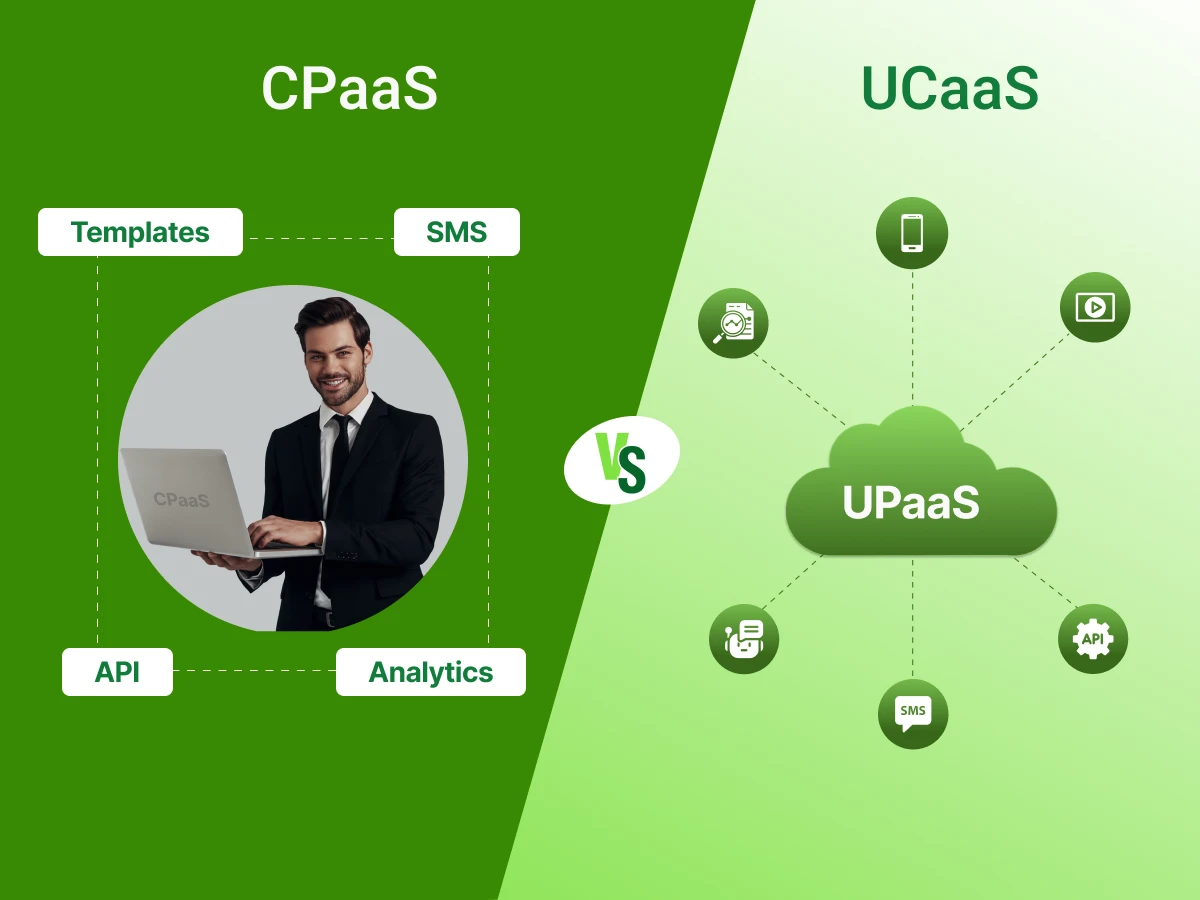
CPaaS provides customizable communication workflows, automation, and scalable messaging for customer interactions. UCaaS offers an all-in-one solution for calls, video conferencing, chat, and team collaboration. Choosing the right platform depends on whether your business needs flexibility and automation or integrated internal communication and collaboration.
Do you not know whether your company should be more in control of messaging or easier collaboration in teams? Would you like to have a solution that improves communication without making it a complex process?
The debate of CPaaS vs UCaaS arises here. One allows businesses to automate notifications and messages. The other is the integration of video, chat, and calls in a single system.
How your business will communicate on a daily basis depends on the right decision. It may enhance customer experience and workflow. These differences should be known.
In this blog, you will learn how to decide on the right platform for your business.
First, let’s explore CPaaS.
CPaaS stands for Communication Platform as a Service. It is a cloud-based platform that allows businesses to integrate their communication services with their applications. That means they can send messages, make voice or video calls, and send notifications without the need to install their own infrastructure. CPaaS allows a business to be flexible in its communication with customers and employees. It may be adopted within a business that needs customized communication channels or automated messages.
Key Features of CPaaS:
Next, we’ll take a closer look at UCaaS.
UCaaS stands for Unified Communications as a Service. It is a cloud-based platform that combines the most important communication tools into a single system. The UCaaS is intended to streamline collaboration by offering voice calls, video calls, chat, and file transfer on a single platform. Businesses have the opportunity to centralize the workforce while maintaining a simple workflow. It facilitates collaboration among teams and eliminates extra individual tools.
Key Features of UCaaS:
Both UCaaS and CPaaS have evident business benefits. Selecting the appropriate platform would enhance communication and contribute to growth.
The following are the main advantages of both platforms to make the right decision.
CPaaS platforms allow businesses to develop workflows tailored to their requirements. You can automate announcements, appointment alerts, and SMS or chat app alerts. CPaaS technologies let developers code custom solutions to special business scenarios. This flexibility helps improve customer interactions across all your digital channels. It also reduces errors in manual processes for your team.
CPaaS solutions handle high volumes of notifications without extra staff. Authentication codes or status updates can be sent automatically. CPaaS providers provide APIs that are directly integrated with CRMs and other systems. Automation maintains regular and prompt communication with all users. Companies save time and effort and improve customer experience.
CPaaS platforms grow with your specific business needs. You can add more users or communication features without changing infrastructure. CPaaS solutions support large-scale deployment processes very efficiently. This scalability ensures your service stays smooth even during peak demand. Businesses will never have to waste time during rapid growth.
Many CPaaS solutions use flexible pricing models for users. The companies do not need to pay more than they use every month. This strategy is appropriate for startups or growing brands. CPaaS providers make the setup process simple for technical teams. It also allows experimentation with new communication tools without high upfront costs.
UCaaS is an integration of video conferencing, team messaging, and VoIP platforms. Without switching to various apps, teams can work together. This unified communication approach improves efficiency and reduces daily confusion. UCaaS platforms are easy for your team to manage. Companies maintain a single point of administration for all office tools.
UCaaS solutions are designed for a very fast setup process. Businesses can set up a business phone system or auto-attendants quickly. Employees easily learn the interface for voice calling and chat. UCaaS providers handle access management and all technical updates. Teams start working together without needing long training sessions.
UCaaS solutions enhance collaboration features like file sharing and group chat. Teams can communicate in real time across many different locations. Collaboration features help track conversations and projects. Notifications and announcements reach the right people fast. Employees can work together smoothly from anywhere.
A UCaaS platform usually operates on a clear subscription model. Companies pay fixed fees based on the number of users. This predictability helps businesses with budgeting for their monthly tools. UCaaS solutions include maintenance and security in the total cost. It ensures teams have a reliable service without any surprise charges.
The right communication platform can be used to transform how your business communicates. The process becomes easy when one knows the practical steps.
Here, we guide you through a simple approach to match cloud solutions with your needs.
Begin by starting with what you, as a business, want to achieve.
Assess what you already have before choosing a platform.
Classifying communication helps pick the right communication channel.
Now link each type of communication to the platform that works best.
Small tests can be used to make sure the platform meets expectations.
Plan for growth and smooth system integration.
Each platform has advantages and weaknesses that you need to be aware of. The right choice depends on the way your business communicates.
So, here are the pros and cons of both options to help you decide.
Pros of CPaaS
Cons of CPaaS
Pros of UCaaS
Cons of UCaaS
Choosing the right platform can improve how your team and customers connect. A clear approach helps avoid confusion and wasted costs.
Here are the simple steps to help you choose the best option.
Start by pinpointing the most important task your new system must handle. You should decide if you need to build custom features into an existing app. Some businesses focus entirely on improving internal team chats and video meetings. Clear goals prevent you from paying for features that your staff will never use. Defining your purpose early makes the entire comparison process much faster and easier.
Your goal dictates whether you need a flexible toolkit or a finished product. A company focusing on customer alerts will have different needs than a remote office. Specialized communications platforms often serve one of these two very specific directions. Identifying your main priority ensures the technology supports your actual business growth. This first step acts as the foundation for every other technical decision you make.
Take an honest look at the technical talent available within your current team. You must know if you have developers who can write and manage custom code. Some platforms require deep programming knowledge to set up and maintain over time. The other solutions are tailored towards users who prefer to work immediately. It is better to select a tool tha matches your team’s skills than to be frustrated in the long run.
A highly customizable system in the absence of a developer could turn into a digital burden. You should avoid complex setups if you lack a dedicated IT support person. Many business communication tools offer simple interfaces that anyone can learn in minutes. Assessing your resources helps you avoid hidden costs related to hiring external consultants. It ensures the platform stays functional without constant help from a software expert.
Look closely at the volume and variety of messages your company sends daily. You should categorize your traffic into internal staff talks and external customer outreach. High-volume automated alerts like shipping updates require a very specific delivery method. Simple voice calls and team video meetings fall into a different technical category. Understanding your message types helps you pick a platform with the right features.
Different communications platforms specialize in different types of data delivery and security. Highly encrypted platforms can be a good option when handling sensitive information. Typically, marketing campaigns need tools capable of sending out thousands of messages at once. Features such as screen sharing and real-time document editing are what make internal collaboration successful. An assessment of your communication habits helps ensure you select a tool that manages your unique load.
Check on your budget to determine whether you want monthly payments or a usage charge. Some systems charge a flat rate per person who uses the software daily. Other models only bill you for the actual number of minutes or texts sent. You should calculate the total cost of ownership over at least one year. This helps you avoid surprise charges as your company adds more employees or users.
Usage-based pricing is often great for startups with unpredictable monthly message volumes. Fixed subscriptions offer a predictable expense that is very easy for accounting teams. You must check if there are extra fees for advanced security or integrations. Having a clear budget will allow you to discard the list of possible business communication providers. These comparisons will guarantee you the best value for every dollar you invest.
Before you sign a long contract, run a small test with one department. You should see how the tool performs during a typical busy workday. This trial period allows your team to find any potential bugs or workflow issues. Collecting honest feedback from your employees is the best way to judge success. A pilot program reduces the risk of making a very expensive mistake.
Testing reveals how well the software fits into your existing daily digital routines. You can verify whether the phone call quality and speed of the message are satisfactory. The majority of modern communication platforms are free or low-cost to test. The failure of the pilot will mean that you can change directions without losing much time or money. The practical move will ensure that the entire company rollout proceeds smoothly.
Make sure the new platform can communicate with the software you use daily. You may have to integrate it with your sales database or emailing system. Good integrations save time because all your valuable data is in a single place. Another thing to consider is whether the system will expand as your business expands. A platform that limits your growth will eventually need to be replaced.
Scalability is vital for any company that plans to hire more people soon. You want a system that handles ten users as easily as a hundred. Check if adding new business communication features requires a total system overhaul or a simple click. The best tools expand their capacity automatically as your traffic levels increase. Looking ahead ensures your technology remains a helpful asset for many years to come.
A combination of two cloud platforms is sometimes the best answer. You might use one platform for your office and another for your app. This hybrid model allows you to get the best features from both platforms. It gives your developers freedom while keeping your office staff productive and happy. Many large companies find this dual setup to be the most efficient path.
Using a hybrid strategy lets you customize customer touchpoints while standardizing internal meetings. You can pick the most reliable communications platforms for each specific task you handle. This approach often provides the highest level of flexibility for a growing modern brand. It allows you to swap out one part of the system without breaking everything. A hybrid setup is the ultimate way to future-proof your company’s digital infrastructure.
Seeing how these platforms solve actual business problems helps clarify their distinct roles in the market.
Here, we look at practical use cases based on real business needs.
Amazon uses CPaaS to deliver updates on orders and deliveries. Customers get real-time SMS and app notifications. This keeps buyers informed at every stage of the order process. The system handles large volumes without delays. It improves customer trust and satisfaction. The focus stays on fast and reliable communication.
Slack uses a UCaaS system to support team communication. Employees use one place to communicate using messaging, calls, and meetings. This enhances cross-team communication and teamwork. Such features as call routing help in addressing queries to the right team. Teams also use call recording for meeting reviews. This setup supports remote work and smooth coordination.
PayPal uses both CPaaS and UCaaS for different needs. CPaaS handles alerts, OTPs, and customer notifications. UCaaS supports internal meetings and team messaging. This balance improves communication and collaboration across the company. The system also ensures accessibility for teams in different locations. It creates a flexible and reliable communication setup.
Bank of America uses CPaaS to manage customer communication in many languages. They provide updates and alerts to customers in their local language. This enhances accessibility to a wide customer base. The system ensures secure and timely message delivery. It also supports large-scale communication needs. This approach builds trust and improves customer experience.
Walmart relies on CPaaS to conduct marketing initiatives on SMS and notifications. Customers are informed about offers, discount and announcements in time. The system facilitates bulk messages when sales are at their peak. It helps the brand reach customers across different channels. This improves engagement and response rates. The focus stays on clear and effective communication.
Choosing between CPaaS and UCaaS depends on how your business handles communication. CPaaS gives flexibility for custom messaging and automation. UCaaS offers a simple system for team calls, chat, and meetings. Both serve different needs but aim to improve how businesses connect. A clear understanding helps you avoid the wrong choice.
The right platform will be based on your objectives, financial resources, and staff structure. There are businesses that require full control and those that require ease of use. A combination of the two can often be a solution in most situations. Work on what sustains your day-to-day activities and development. A thoughtful choice will improve business communication and overall efficiency.
Yes, many businesses combine both for better cloud-based communications and flexibility. CPaaS can handle automation, while UCaaS supports daily messaging, video conferencing, and team tasks.
UCAAS vs. CCaaS vs. CPAAS compares three types of communications technologies with different use cases. UCaaS focuses on team collaboration, CCaaS supports contact center operations, and CPaaS enables custom features inside a business application.
Yes, CPaaS can support customer communication through messaging and alerts. It is often used alongside a contact center to handle notifications and automated responses.
UCaaS works best for internal teams that need calls, chat, and meetings in one place. Tools like Microsoft Teams are a common example used by many companies.
Modern platforms now use agentic AI to automate tasks and improve response time. An AI agent can handle queries and connect with business apps to support daily operations.
